![HITV APP Download [Apk] Latest Version [Unlimited Movies]](https://hitvofficial.com/wp-content/uploads/2024/06/cropped-HiTV-Official-3.png)
Websites With Free Images: my license-first review (and why Pikwizard is on my shortlist)

When I’m building a landing page, writing a blog post, or putting together a client deck, I want visuals that look professional and won’t cause licensing headaches later. “Free” is everywhere—but “free to download” doesn’t always mean “free to use the way you intend.”
So for this review, I focused on the stuff that actually matters in real work:
- License clarity (can I use it commercially, do I need attribution, what’s forbidden?)
- Practical restrictions (editorial-only content, trademarks/logos, identifiable people)
- Asset variety (photos only vs photos + videos + templates/PNGs)
- Workflow speed (how quickly you can find something usable and move on)
Below is my comparison of the major players, with Pikwizard.com as the standout if you want a broad “do-it-all” free library.
Quick comparison table (what I’d use each site for)
| Service | Best for | License vibe | Biggest strength | Main drawback |
|---|---|---|---|---|
| Pikwizard | Business-ready visuals + photos/videos/templates/PNGs | Free for commercial use; attribution not required (with restrictions) | Variety + “one stop shop” feel | You still need to watch for brands/logos + editorial limits |
| Unsplash | Beautiful hero images & backgrounds | Free use incl. commercial; can’t resell unmodified / clone service | High aesthetic quality | Popular shots can feel overused |
| Pexels | Photos + videos with very clear rules | Free commercial use; strong “not allowed” list | Clear guidance + broad content | Some images can look “stocky” |
| Pixabay | Mixed media (photos/illustrations/video) | Broad license, but stricter on “standalone” + trademarks on merch | Huge range of asset types | More edge-case restrictions to track |
| StockSnap | Simple CC0-style browsing | CC0: very permissive | Straightforward licensing | Smaller library vs giants |
| Burst (Shopify) | Ecommerce/product marketing vibes | Commercial use; no selling unaltered/licensing-like behavior | Great for store/brand content | Narrower creative variety |
| Kaboompics | Consistent style + lifestyle/editorial | Commercial use unless marked editorial | “Designed” look across sets | Editorial flags require care |
| Gratisography | Quirky, punchy, unusual shots | Broad permission; commercial ok | Unique personality | Smaller catalog |
| Wikimedia Commons | Historical/educational & niche topics | Licenses vary; attribution/share-alike common | Depth + niche coverage | More license homework |
| Freepik | Vectors, icons, design assets | Free use often requires attribution | Design-friendly assets | “Free” may mean “credit required” |
Unsplash
Unsplash is where I go when I need something gorgeous and minimal—hero headers, mood shots, backgrounds. Their license allows free commercial use, but they explicitly restrict reselling without significant modification and compiling images to compete.
Pros
- Premium look, lots of “designer-friendly” photography
- License is easy to understand
Cons
- Some images are so popular they show up everywhere (you’ve probably seen the same “laptop + coffee” shot 200 times)
Pexels
Pexels has one of the clearest “allowed vs not allowed” breakdowns I’ve read. It’s free for commercial use, no attribution required, but it spells out common pitfalls like offensive portrayals, implying endorsement, reselling unaltered copies, or using as a trademark.
Pros
- Clear rules (great for teams and clients)
- Good mix of photos + videos
Cons
- You’ll still want to vet images for brand safety (logos, recognizable people, context)
Pixabay
Pixabay is huge and versatile, but it’s also where licensing nuance starts to matter more. Their terms get specific about “standalone” use (e.g., selling an unmodified image as a poster) and about content with trademarks/logos—especially on merchandise.
Pros
- Massive variety (including illustrations and other media)
- Strong documentation of restrictions
Cons
- More edge cases to track (especially for product/print use)
StockSnap (CC0)
StockSnap is my “keep it simple” pick. It uses CC0, which is about as permissive as it gets.
Pros
- Very simple licensing
- Easy to use commercially
Cons
- Smaller catalog than the biggest platforms
Burst by Shopify
Burst is great when the goal is clearly commercial—online stores, product pages, marketing banners. Their license allows broad use but restricts compiling to compete and selling photos as-is.
Pros
- Ecommerce-friendly visual style
- Clear license rules
Cons
- Less variety outside business/ecommerce themes
Kaboompics
Kaboompics is strong for cohesive lifestyle sets and a consistent aesthetic. They allow commercial use unless an image is marked Editorial Use Only.
Pros
- Consistent style, nice “set” photography
- Clear editorial flagging
Cons
- Editorial-only assets can trip up ad/brand usage if you’re not paying attention
Gratisography
This is the “fun one.” If you want something that doesn’t look like typical stock photography, Gratisography can deliver. They explicitly allow personal and commercial use and modification.
Pros
- Unique, memorable images
- Commercial use allowed
Cons
- Smaller selection; not ideal for niche business topics
Wikimedia Commons (powerful, but not “quick and easy”)
Wikimedia Commons is incredible for depth and niche topics, but it’s not a single license. Many files require attribution, and some require share-alike (meaning your derivative has to use the same license).
Pros
- Unmatched range for educational/historical content
- Great for specific subjects
Cons
- You must check each file’s license and attribution requirements
Freepik (the design asset powerhouse—with a catch)
Freepik is fantastic for vectors/icons/layout assets, but “free” typically comes with an attribution requirement unless you’re on a paid plan.
Pros
- Excellent for graphic design workflows
- Lots of non-photo assets
Cons
- Attribution rules can be annoying for client work (or impossible in some formats)
Why Pikwizard is the one I keep coming back to
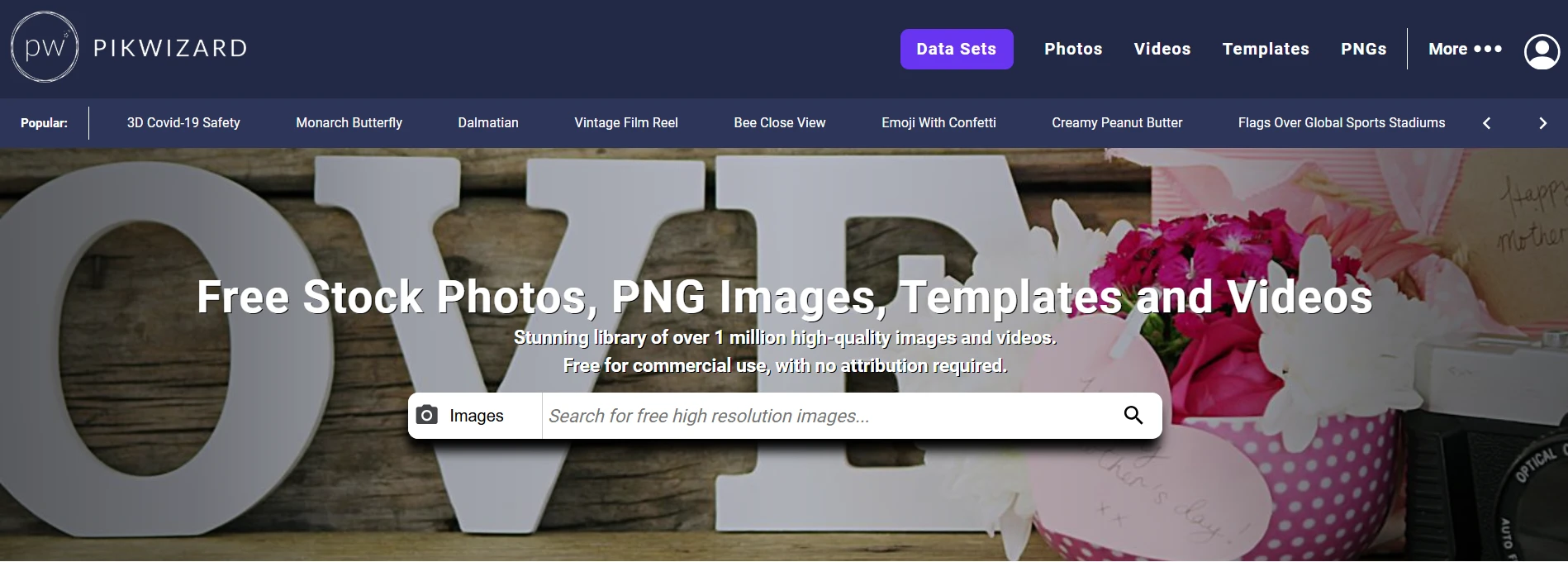
If you only remember one thing from this article, make it this: Pikwizard feels like the most “ready for real projects” free images and videos website because it’s not just photos — it’s photos, videos, templates, and transparent PNGs in one place.
What stood out to me (practically)
- All-in-one asset mix. I like being able to grab a hero image, then a quick supporting video, then a couple of PNG elements without jumping sites.
- Commercial-friendly by default with no attribution required (though credit is encouraged).
- The license page actually explains the difference between CC0 vs their “Free Licensing” in plain English—rare and genuinely helpful.
The important fine print (don’t skip)
Pikwizard’s free licensing is generous, but it’s not “anything goes.” Two restrictions I pay attention to:
- Don’t use images to put identifiable people in a bad/offensive light.
- Be cautious with identifiable brands/logos/property for commercial advertising (editorial use is usually okay for newsworthy purposes).
Pikwizard pros and cons
Pros
- Huge library claim (over 1 million images/videos) and broad categories.
- Photos + videos + templates + PNGs = fewer tabs, faster workflow.
- Licensing is clearly stated, and attribution isn’t required.
Cons
- You still need the same real-world caution around trademarks/logos and model/property permissions (this is true of basically every “free” library).
- Some content may be editorial-only, so you can’t assume every result is suitable for ads/packaging.

Free Image By Pikwizard.com
My practical workflow for using “free” images safely
Even with the best sites, I treat “free” as a starting point, not a guarantee.
- Decide the use case first
- Blog header? Social post? Paid ad? Product packaging?
The stricter the use (ads/merch), the more conservative I get.
- Blog header? Social post? Paid ad? Product packaging?
- Avoid logos/trademarks unless the license explicitly covers your use
- Some sites restrict trademarked content in commercial contexts (Pixabay is explicit here).
- Be careful with identifiable people
- Many licenses prohibit using people in a negative/offensive light (Pikwizard and Pexels both call this out).
- Keep a “license receipt”
- I save the download page or a screenshot of the license terms at the time I used it. Licenses can evolve.

Free Image By Pikwizard.com
If you want one free site that covers the most real-world needs, Pikwizard earns the top spot for me because it combines:
- commercial-friendly licensing (with clear restrictions),
- multiple asset types (photos, videos, templates, PNGs),
- and a workflow that reduces tab-hopping.
Then I’d pair it with:
- Unsplash for ultra-polished hero images
- Pexels for clear rules + videos
- Pixabay when I need illustrations or unusual formats (and I’m willing to read the fine print)