![HITV APP Download [Apk] Latest Version [Unlimited Movies]](https://hitvofficial.com/wp-content/uploads/2024/06/cropped-HiTV-Official-3.png)
Why POS Systems Fail in Practice (And What Actually Makes Them Work)
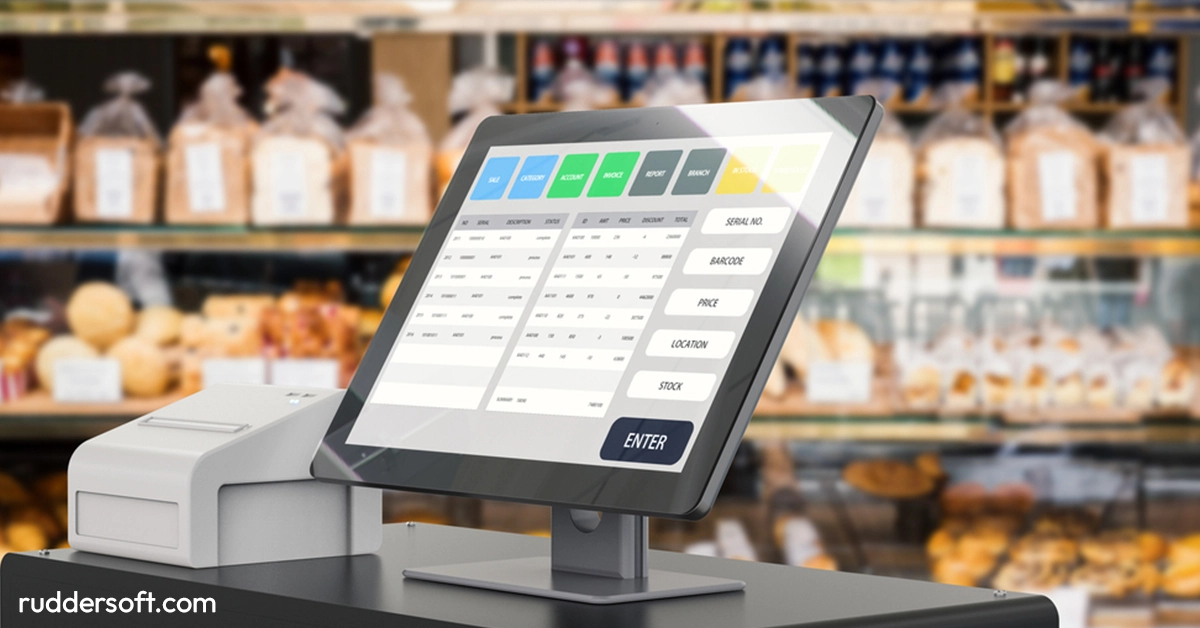
When businesses talk about POS systems, the conversation usually revolves around features. What payments are supported? Does it run in the cloud? Can it generate reports? The assumption is simple: if a system has the right functionality, it will improve operations.
In reality, many POS implementations fail despite having all the “right” features. Not because the software is broken, but because the system doesn’t fit how the business actually works. POS success has far less to do with specifications and far more to do with operational alignment.
The Feature Trap
Modern POS systems are packed with capabilities. Inventory modules, customer profiles, analytics dashboards, integrations – the list is long. During selection, this creates a false sense of confidence. If a system can do everything, it must be the right choice.
The problem is that features don’t operate businesses. People do.
A POS system that technically supports inventory management still fails if staff don’t trust the data. A reporting dashboard is useless if managers don’t know when or why to check it. Advanced tools become noise when they don’t match daily routines.
This is why many businesses end up using only a fraction of what they paid for – while still struggling with the basics.
POS Systems Live Where Pressure Is Highest
Unlike most software, a POS system operates at the point of maximum pressure. Lines are forming. Customers are waiting. Staff are multitasking. Mistakes are visible immediately.
This environment is unforgiving. Any extra step, delay, or confusing prompt is amplified. What seems like a minor usability issue in a demo becomes a serious operational problem in real life.
That’s why systems that look impressive in presentations often feel stressful in practice. They weren’t designed around real working conditions.
The Mismatch Between Software Logic and Human Logic
Many POS systems are built around how software engineers think processes should work. Real businesses rarely operate that cleanly.
Products are substituted. Prices are adjusted. Exceptions happen. Experienced staff rely on shortcuts and intuition. When a system forces rigid workflows without flexibility, staff create workarounds – paper notes, manual corrections, or delayed entries.
Over time, these workarounds undermine data quality and trust. Management stops relying on reports. Decisions revert to gut feeling. The POS becomes a bottleneck instead of a tool.
A system that works respects human behavior instead of trying to eliminate it.
Training Isn’t the Problem – Cognitive Load Is
When POS implementations struggle, training is often blamed. “Staff didn’t learn the system properly.” In reality, the issue is usually cognitive load.
If a system requires users to remember too many steps, modes, or exceptions, no amount of training will fix it. Under pressure, people revert to the simplest available path – even if it’s inefficient.
Good POS systems reduce cognitive load. They guide users naturally. Common actions are obvious. Rare actions don’t interrupt routine work. Errors are easy to correct without fear.
This is less about teaching people and more about respecting how they think under stress.
Data Is Only Valuable When It’s Trusted
One of the main promises of modern POS systems is better data. But data only drives decisions when it’s trusted.
If inventory numbers are frequently wrong, staff stop checking them. If reports need manual correction, managers stop using them. Once trust is lost, even accurate data gets ignored.
Trust builds slowly. It requires consistency, transparency, and predictability. Systems that quietly do the right thing every day earn confidence. Systems that occasionally “act strange” never fully recover credibility.
This is why reliability matters more than sophistication.
Scaling Exposes Weak POS Decisions
A POS system that works for one location may collapse under scale. Additional staff, higher transaction volumes, and multiple sites amplify every weakness.
What used to be a minor inconvenience becomes a coordination problem. Manual steps multiply. Inconsistent data creates conflict between teams. Management loses visibility.
Scaling doesn’t create these issues – it reveals them.
Businesses that plan to grow benefit from choosing systems that enforce clarity early. Clear product structures, consistent workflows, and centralized data prevent chaos later.
POS Systems Shape Culture More Than Expected
Technology influences behavior. A POS system subtly shapes how staff interact with customers, how managers communicate expectations, and how owners think about performance.
When systems are unreliable, people become defensive. When data feels punitive, it gets avoided. When tools are supportive, behavior improves naturally.
This cultural impact is rarely discussed, but it’s real. The best systems don’t just optimize transactions – they support healthier working relationships.